On this page
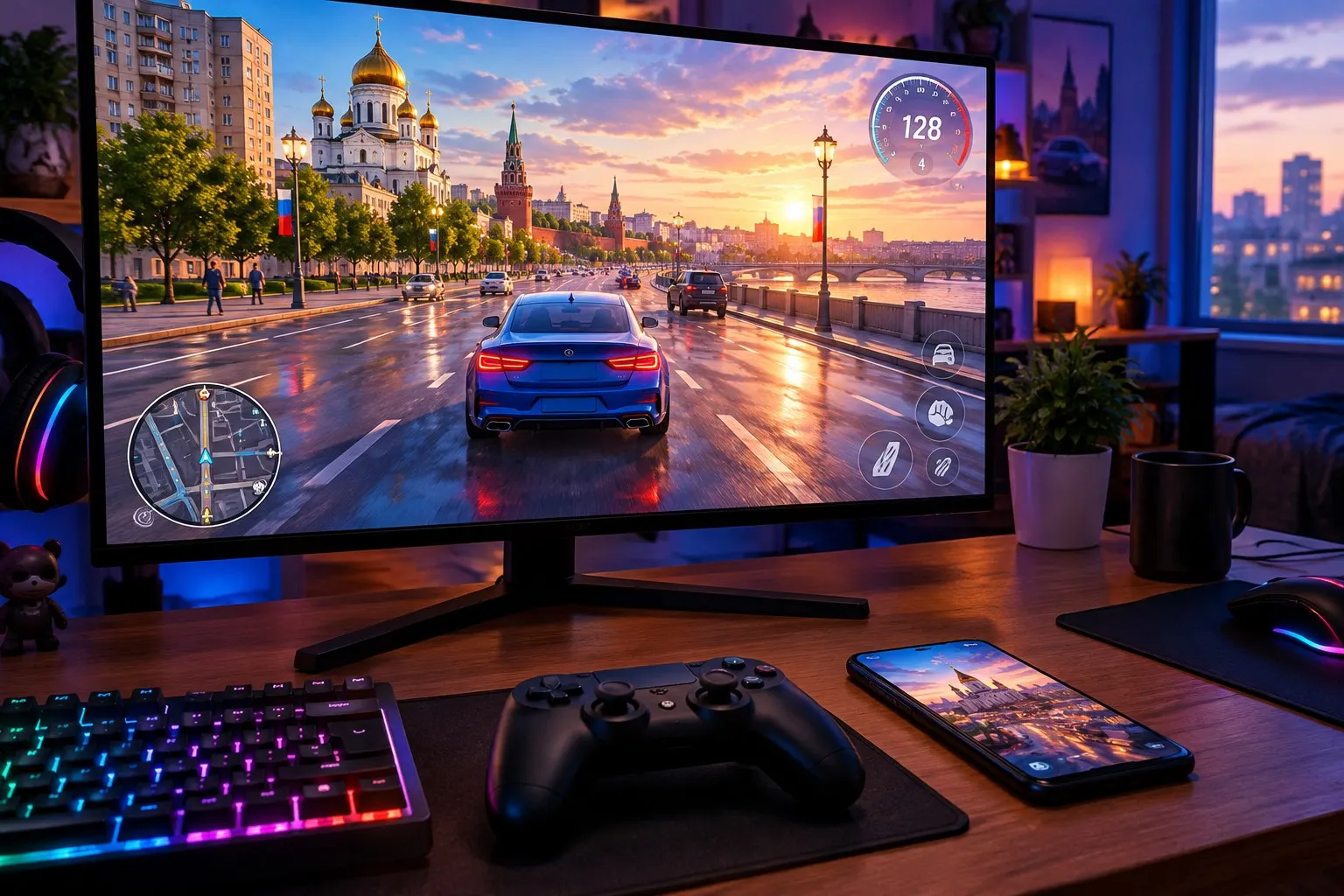
The developers kept quiet about a PC version until fall 2026. Now we have an answer, but it’s a short one: the version is in development, and there’s no release date. Here’s what we know for sure, how to play on a computer right now, and how to avoid fakes.
Here’s what we know about the PC version
All the details come from the developers’ official Telegram channel:
- July 18, 2026 — In a post about a player poll, the developers added: “a video answering questions about the PC version is coming soon.”
- September 26, 2026 — They posted a video called “PC Version Development Insights,” answering the most popular questions about graphics, the interface, controls, and system requirements, plus showing new gameplay footage. At the end, they promised to share more in future posts. Post in the official channel.
What the announcements don’t include: a release date, price, hardware requirements in the post, or details about transferring progress. Any “exact date” in videos from other sources is just a guess until the developers announce one themselves. Follow the news on the updates page.
For now, the game officially supports two platforms: Android 7.0 and later, and iOS 13 and later. Even closed beta tests for new updates are only available on Android and iOS.
Install the game through an emulator
An emulator is a program that runs Android apps on a computer. The Black Russia help page explicitly allows playing through one: “it’s not against the rules.” Here’s the general setup for Windows and laptops:
- 1
Download a popular Android emulator from its developer’s official website and install it.
- 2
Sign in to your Google account inside the emulator and open Google Play—or install RuStore.
- 3
Find Black Russia in the store and install it. Don’t download APKs from third-party sites.
- 4
If the game lags, allocate more RAM and CPU cores to the emulator in its settings, and turn on virtualization.
- 5
Sign in the way you normally do, or link your existing character using its nickname and password—your progress is shared with your phone.
You can set up keyboard and mouse controls in the emulator itself: most let you map on-screen buttons to keys. Take your first drives on an empty road, not at the driving school (Автошкола)—it’s all too easy to fail the test when you’re not used to the controls.
Be ready for a few limitations
The developers are upfront: the game may slow down or run into errors in an emulator, and they don’t guarantee it will work correctly. In practice, you may run into:
- anticheat disconnects — it triggers if PacketLoss (the share of lost packets) is above 0 or your ping is over 100. Use a wired connection or stable Wi-Fi;
- connection errors — first, turn off your VPN. This has been the official support team’s advice since August 2026;
- “Install the latest version” message — update the game in the app store inside the emulator. If an update just came out, wait a bit and try again.
Make your phone run smoother if it can’t handle the game
A lot of players switch to PC because of lag on their phones. Before installing an emulator, try these tips from the official help page:
- close background apps—they use up RAM and CPU;
- turn off GPS, Bluetooth, NFC, and your hotspot if you don’t need them in the game;
- keep an eye on the temperature: when your phone overheats, it throttles performance, especially in hot weather, when the battery is low, or when you’re using a case;
- check Settings → Graphics → Max FPS. If 120 FPS isn’t on the list, set your phone’s screen refresh rate to 120 Hz in its settings. This mode isn’t available on 60 Hz or 90 Hz screens;
- on iOS, turn off “Limit Frame Rate” under Accessibility → Motion, then reinstall the game.
Don’t download a “PC client”
Any program calling itself “Black Russia for PC,” a “PC launcher,” or a “version that doesn’t need an emulator” is unofficial. There’s no official PC client yet. These names are used to distribute third-party builds: at best, they break after an update; at worst, they steal your password. And bypassing the game’s systems can get you a warn or ban under Rule 2.21.
There’s only one safe option: use an official app store, either on your phone or inside an emulator. Never share your password or the code from an email. The beginner’s guide explains how to protect your account.